Choosing the right colour scheme can make or break a design. Whether you're building a brand from scratch or looking for inspiration for your next project, these ten colour tools will help you create stunning palettes in no time.
1. Coolors — The Industry Standard
If you've ever searched for a colour palette generator, you've probably come across Coolors. It's fast, intuitive, and packed with features that make it the go-to choice for designers worldwide.
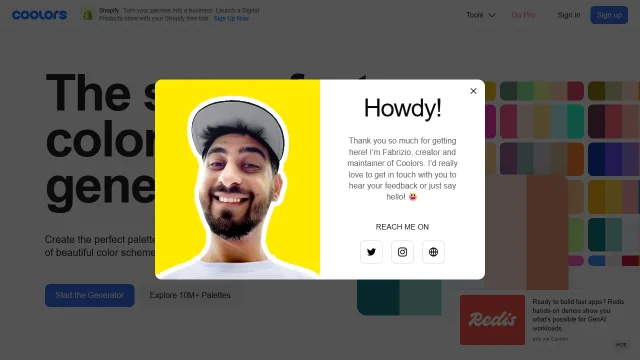
Simply tap the spacebar to generate new palettes, lock colours you like, and fine-tune until you find the perfect combination. The Pro version adds even more features like gradient palettes and colour blindness checking.
2. Color Hunt — Community Curated
Sometimes you just want to browse what's already working. Color Hunt offers thousands of hand-picked palettes created by designers from around the world.
Color Hunt is a free and open platform for color inspiration with thousands of trendy hand-picked color palettes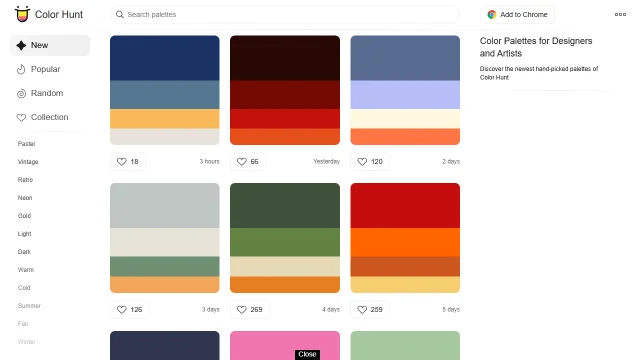
Color Hunt
What makes Color Hunt special is its community-driven approach. You can browse trending palettes, sort by popularity, and even save favourites to your collection.
3. Adobe Color — Professional Power
Adobe Color (formerly Kuler) brings professional-grade colour theory to your browser. With harmony rules like complementary, analogous, and triadic, you can create scientifically balanced palettes.
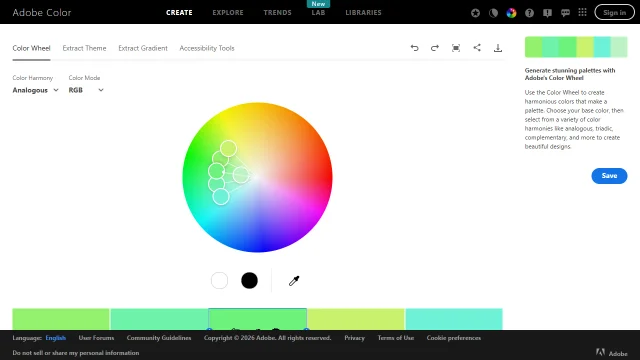
The real magic is in its integration with Adobe Creative Cloud — save palettes directly to your Libraries and access them in Photoshop, Illustrator, and other Adobe apps.
4. Khroma — AI-Powered Personalisation
Khroma uses machine learning to understand your colour preferences. Train the algorithm by selecting colours you love, and it generates infinite palettes tailored to your taste.
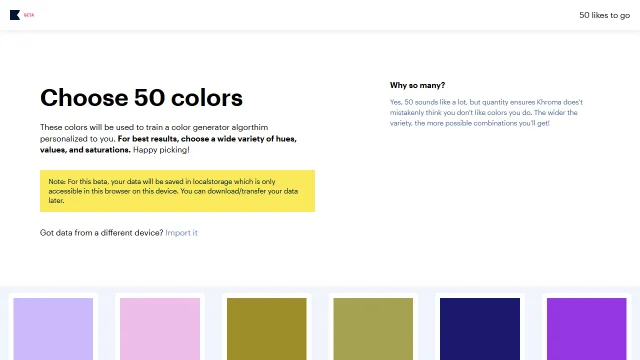
It's like having a personal colour assistant that knows exactly what you like.
5. ColorSpace — Never Waste Hours Again
ColorSpace takes a single colour and generates matching palettes in seconds. Just enter a hex code and watch the magic happen.
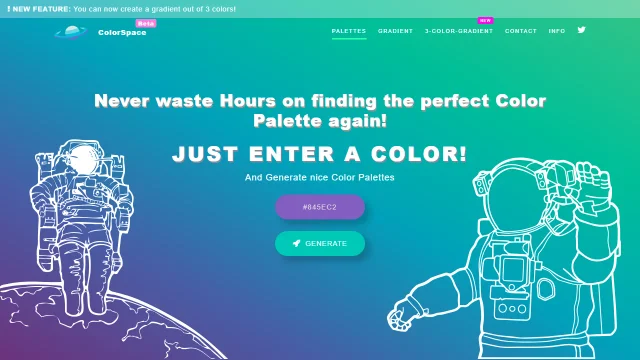
The variety of palette types — from matching gradients to spot palettes — makes it incredibly versatile for different design needs.
6. Poline — The Mysterious Generator
Poline takes a completely different approach to colour generation. Using polar coordinates and mathematical formulas, it creates palettes that feel both harmonious and unexpected.
Poline is an enigmatic color palette generator, that harnesses the mystical witchcraft of polar coordinates. Its methodology, defying conventional color science, is steeped in the esoteric knowledge of the early 20th century. This magical technology defies explanation, drawing lines between anchors to produce visually striking and otherworldly palettes. It is an indispensable tool for the modern generative sorcerer, and a delight for the eye.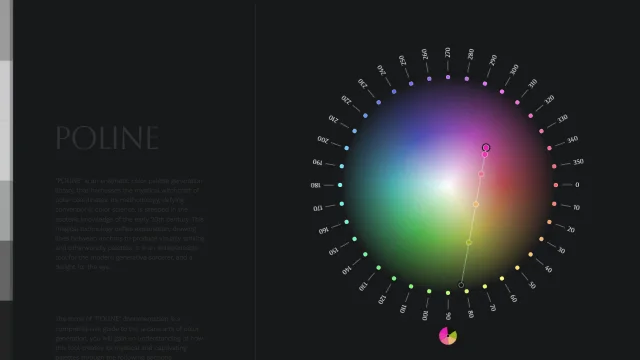
Poline
If you're tired of predictable colour combinations, Poline will surprise you with its otherworldly results.
7. BrandColors — Official Brand Palettes
Working with established brands? BrandColors is the definitive collection of official brand colour codes. From Spotify green to Facebook blue, it's all here.
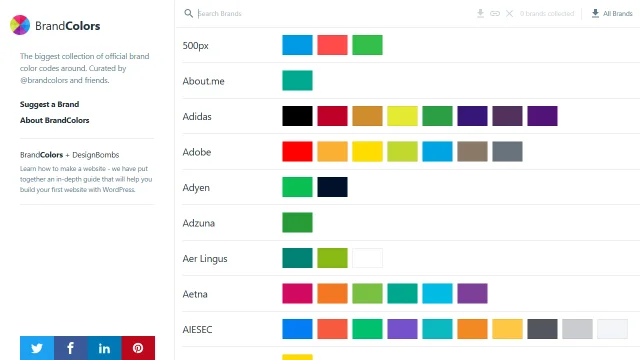
Essential for maintaining brand consistency and finding inspiration from the world's most recognisable companies.
8. Open Color — UI-Optimised Colours
Open Color is an open-source colour scheme specifically designed for user interfaces. Each colour comes in ten carefully calibrated shades perfect for backgrounds, text, and UI elements.
Open color is an open-source color scheme optimized for UI like font, background, border, etc.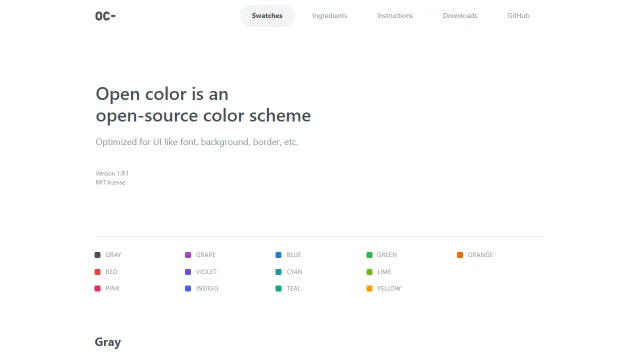
Open Color
If you're building web apps or dashboards, Open Color gives you a solid foundation that just works.
9. UI Gradients — Beautiful Blends
Sometimes a single colour isn't enough. UI Gradients offers a community-curated collection of stunning multi-colour gradients ready to use in your projects.
uiGradients is a community contributed collection of beautiful multi-color gradients.
UI Gradients
Copy the CSS with one click and add depth and dimension to your designs instantly.
10. Colors & Fonts — Inspiration Hub
Colors & Fonts combines colour palettes with typography suggestions, helping you create cohesive visual identities. It's inspiration and resources all in one place.
A collection of color and typography resources for Web Developers and Digital Designers to find inspiration.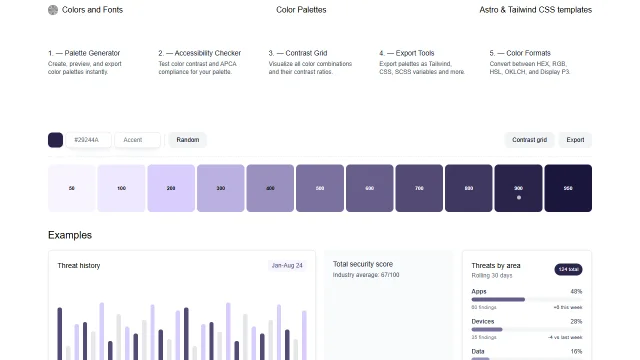
Colors & Fonts
Browse curated combinations and find the perfect pairing of colours and fonts for your next project.
Honourable Mentions
While we couldn't include them all in the top ten, these tools are also worth exploring:
- Picular — A search engine for colours based on images
- WebGradients — 180 free linear gradients
- Mesh Gradients — Create unique shader-based gradients
Wrapping Up
The best colour tool is the one that fits your workflow. Some designers prefer the quick randomness of Coolors, while others need the precision of Adobe Color. Try a few from this list and find your favourites.
What colour tools do you use in your design process? We'd love to hear your recommendations!